
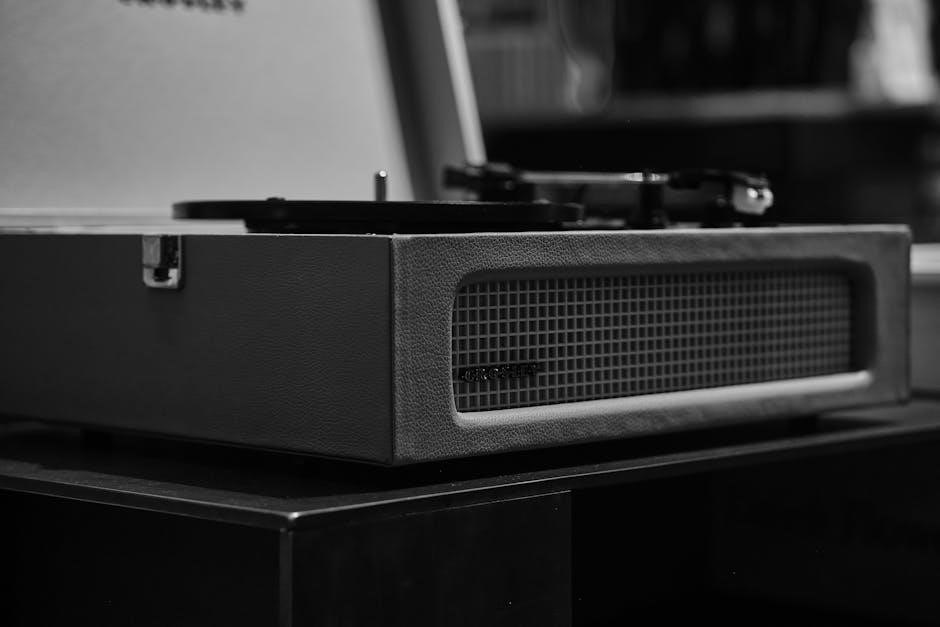
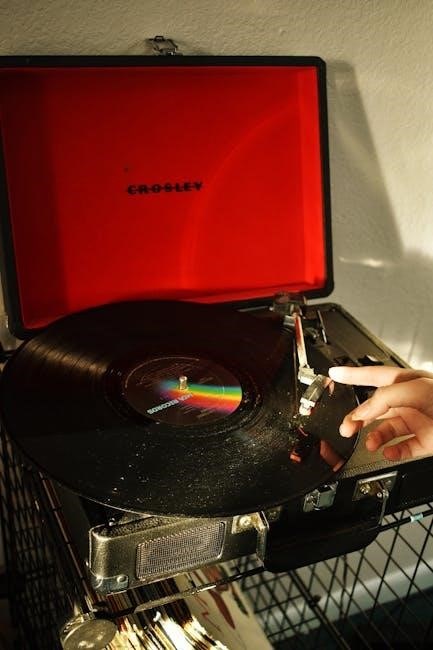
Crosley, once the world’s largest radio manufacturer, now blends vintage aesthetics with modern technology in its turntable designs. These players offer accessible entry into vinyl enjoyment.
Brief History of Crosley
Crosley’s origins trace back to 1920, when Powel Crosley Jr. began manufacturing radio receivers. The company rapidly grew, becoming the largest radio manufacturer by the 1930s, driven by innovative production techniques and affordable pricing. After a period of diversification, Crosley revived its turntable production, focusing on stylish, portable designs. Today, they honor their past by blending classic looks with contemporary features, reintroducing iconic models alongside new innovations.
Popular Crosley Turntable Models (Cruiser, Voyager, C6)
The Crosley Cruiser is renowned for its portability and vibrant colors, perfect for beginners. The Voyager offers a vintage aesthetic with Bluetooth connectivity and RCA outputs. For audiophiles, the C6 stands out, providing superior sound quality and features comparable to more expensive turntables, making it a genuine contender in the market.
Setting Up Your Crosley Turntable
Proper setup ensures optimal performance and longevity. Carefully unpack all components, connect the power source, and choose your preferred speaker connection method for immediate enjoyment.
Unboxing and Component Check
Carefully remove your Crosley turntable from its packaging, retaining the box for potential future transport. Verify all included components are present: the turntable unit itself, power adapter, and any specified accessories like RCA cables. Inspect for any visible damage sustained during shipping. A quick inventory ensures a smooth setup process and confirms everything needed for initial operation is readily available, preventing frustration later on.
Connecting to Power
Locate the DC power input jack on the rear of your Crosley turntable. Connect the provided power adapter firmly into this jack. Then, plug the adapter into a standard wall outlet. Ensure the outlet provides the correct voltage as specified on the turntable or adapter itself. Avoid using extension cords if possible, and always prioritize a stable power source for optimal performance.
Speaker Connection Options (Built-in, RCA, Bluetooth)
Crosley turntables offer versatile speaker connectivity. Many models feature built-in speakers for immediate listening. For enhanced audio, utilize the RCA outputs to connect to external powered speakers or a receiver. Alternatively, leverage Bluetooth to wirelessly pair with speakers or headphones, providing convenient, cable-free enjoyment.
Understanding Turntable Components
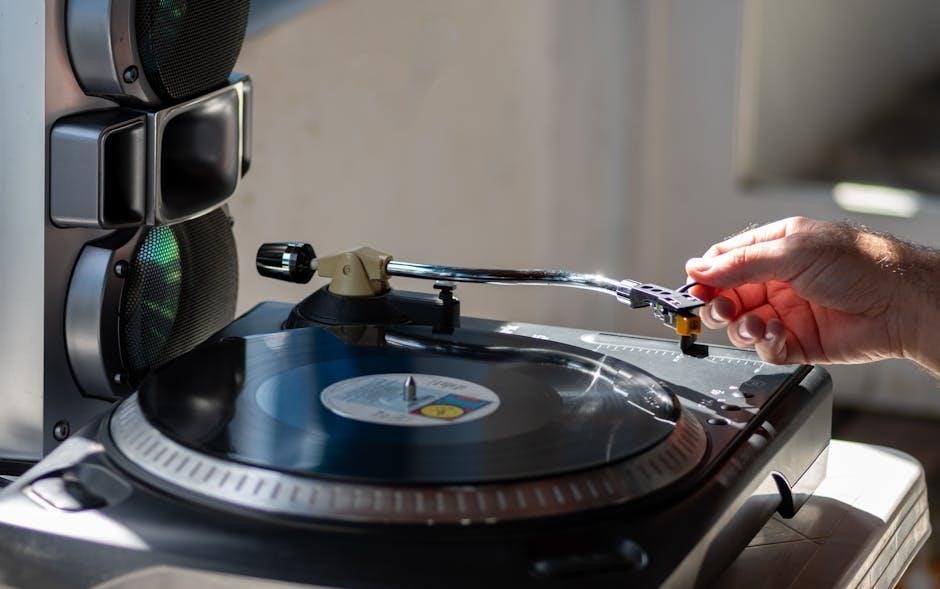
Key components include the tonearm with its cartridge, the platter supporting the record, and a slipmat for optimal vinyl grip and playback quality.
The Tonearm and Cartridge
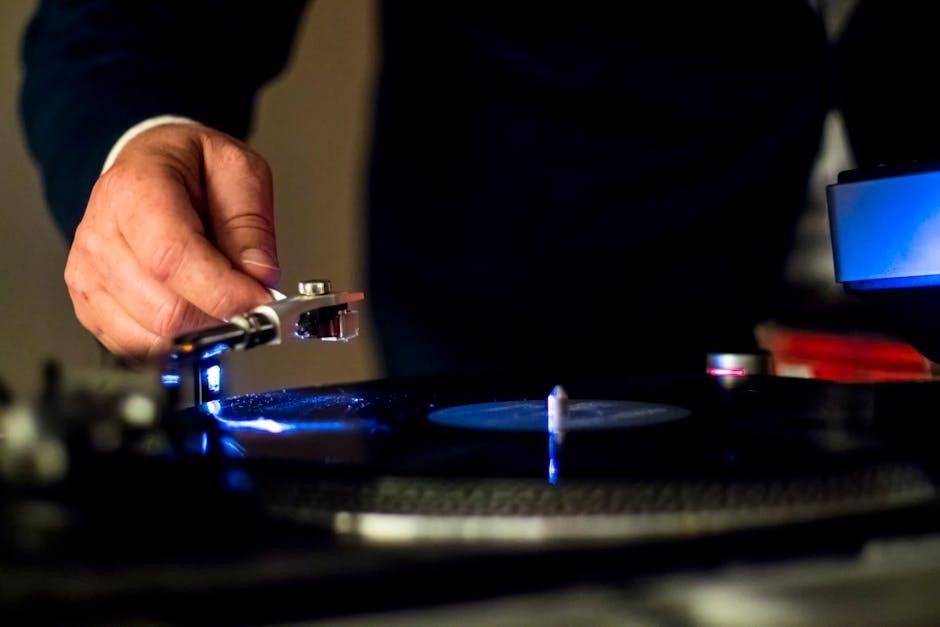
The tonearm holds the cartridge, which contains the needle (stylus) that reads the grooves of the record. Proper tonearm balance and tracking force are crucial for sound quality and preventing record wear. The cartridge converts the physical vibrations from the grooves into electrical signals, ultimately producing the audio you hear. Regularly inspect the stylus for wear and cleanliness to maintain optimal performance and protect your vinyl collection.
The Platter and Slipmat
The platter is the rotating disc upon which your vinyl record rests during playback. The slipmat, placed on top of the platter, provides a surface for the record to spin against, influencing the start/stop friction and potentially affecting speed stability. Different materials offer varying levels of grip and static control, impacting DJ techniques and overall listening experience.
Speed Settings (33 1/3, 45, 78 RPM)
Crosley turntables typically offer three speed settings: 33 1/3 RPM for LPs (long-playing albums), 45 RPM for singles, and 78 RPM for older shellac records. Selecting the correct speed is crucial for accurate playback and preserving the integrity of your vinyl. Incorrect speed results in distorted audio and pitch issues.

Playing Your Vinyl Records
Carefully place your record onto the platter, ensuring it’s centered. Start the turntable and gently lower the tonearm to begin enjoying your music!
Placing the Record on the Platter
Before playing, ensure the turntable is switched off. Gently lift the record from its sleeve, handling it by the edges to avoid fingerprints. Carefully center the record on the platter, aligning the spindle hole with the turntable’s center post.
If a slipmat is present, ensure the record sits securely upon it. Avoid placing records directly onto the bare platter if possible, as this can cause scratches over time. Proper placement ensures optimal playback and prevents damage.
Starting and Stopping the Turntable
To begin playback, locate the power/start switch – often combined. The platter will begin to spin at the selected speed. Gently lower the tonearm onto the record’s edge using the cueing lever, if equipped, for a smooth start.
To stop, lift the tonearm using the cueing lever and return it to its rest. Then, switch the power/start control to the ‘off’ position. Avoid abruptly stopping the platter while the needle is on the record.
Adjusting the Volume
Crosley turntables offer various volume control methods. Models with built-in speakers typically feature a rotary knob for direct adjustment. If connected to external speakers via RCA, use the external speaker’s volume control.
When using Bluetooth, volume is managed through both the turntable and the paired device. Start with a low volume and gradually increase it to your desired listening level to prevent distortion.
Bluetooth Connectivity
Crosley turntables with Bluetooth enable wireless pairing with smartphones and tablets for both audio playback and acting as a Bluetooth receiver.
Pairing with Bluetooth Devices
To connect via Bluetooth, ensure your Crosley turntable is in pairing mode – typically activated by pressing and holding the Bluetooth button. Then, on your device (phone, tablet, etc.), enable Bluetooth and search for available devices. Select your Crosley turntable from the list; pairing is usually indicated by a light or audible tone. Remember to keep the devices within a reasonable range for a stable connection.
Using Bluetooth as Input/Output
Many Crosley turntables offer dual Bluetooth functionality. As an output, stream vinyl audio wirelessly to Bluetooth speakers or headphones. Conversely, use Bluetooth input to play audio from your device through the turntable’s speakers. Switching between input and output modes is usually done via a dedicated button or setting on the unit itself, allowing versatile listening options.
Needle and Cartridge Maintenance
Regularly cleaning and, when necessary, replacing the needle (stylus) is crucial for optimal sound quality and preventing damage to your valuable vinyl records.
Replacing the Needle/Stylus
To replace the needle on your Crosley turntable, gently unplug the device. Locate the cartridge on the tonearm and carefully remove the old stylus, often by pulling it straight out or using a small tool. Align the new stylus correctly and gently push it into place until it clicks. Ensure it’s securely fastened before resuming playback to avoid damaging your records.
Cleaning the Needle
Regularly cleaning your turntable’s needle is crucial for optimal sound quality and record preservation; Use a stylus brush, moving it from back to front only, to remove dust and debris. Avoid applying excessive pressure or using liquids, as this can damage the delicate stylus. Consistent cleaning extends the needle’s lifespan and protects your vinyl.
Cartridge Replacement (Advanced)
Replacing the cartridge is a more complex process best suited for experienced users. Carefully disconnect the wires, noting their positions, before removing the old cartridge. Install the new cartridge, ensuring proper alignment and tracking force. Incorrect installation can damage records and the turntable; professional assistance is recommended if unsure.
Troubleshooting Common Issues
Common problems include no sound, skipping, or the turntable failing to spin. Check connections, the needle, and power supply for quick fixes.
No Sound Output
If you experience no sound, first verify the volume knob is turned up and not muted. Ensure the turntable is correctly connected to a power source and that speakers are properly linked via RCA cables or Bluetooth. Confirm the selected input on your speakers or receiver matches the turntable’s output. A faulty needle or cartridge can also cause silence; inspect and replace if necessary. Finally, test with different records to rule out a damaged vinyl issue.
Skipping or Repeating Sections
If your record skips or repeats, ensure the turntable is on a level surface, free from vibrations. A dirty or worn needle is a common cause; clean or replace it. Check for scratches or damage on the vinyl record itself. Adjust the tracking force, if adjustable on your model, to ensure proper contact. Finally, verify the slipmat is correctly positioned.
Turntable Not Spinning
If the platter isn’t rotating, first confirm the power cord is securely connected to both the turntable and a working outlet. Verify the power switch is in the ‘on’ position. Check the belt (if applicable) for breakage or slippage. Some models have an auto-stop feature; ensure it isn’t engaged prematurely.
Advanced Features (Model Dependent)
Certain Crosley models boast RCA outputs for external speakers, headphone jacks for private listening, and USB encoding to digitize your cherished vinyl collections easily.
RCA Output for External Speakers
Many Crosley turntables feature RCA outputs, allowing connection to external speakers or a home stereo system for enhanced audio fidelity. Locate the RCA jacks on the back of the turntable. Connect an RCA cable – typically red for right channel and white for left – from the turntable to the corresponding inputs on your amplifier or powered speakers. Ensure your external speakers are powered on and volume is adjusted appropriately before playing a record for optimal sound quality.
Headphone Jack
For private listening, many Crosley turntables include a standard 3.5mm headphone jack, conveniently located on the unit’s rear or front panel. Simply plug your headphones into the jack; this automatically mutes the built-in speakers. Adjust the volume control on both the turntable and your headphones to achieve a comfortable listening level. Enjoy immersive audio without disturbing others!
USB Encoding to Digital Files
Certain Crosley models feature a USB port enabling direct vinyl-to-digital conversion. Connect your turntable to a computer using a USB cable, then utilize included software to record your records as MP3 files. This allows preservation of your vinyl collection in a digital format for convenient playback on various devices.
Crosley Turntable Specifications
Crosley turntables vary in power needs, dimensions, and supported record sizes; consult your model’s documentation for precise details regarding these crucial specifications.
Power Requirements
Crosley turntables typically operate on standard 120V AC power, though some models may include a DC power adapter. Always verify the voltage requirement printed on the turntable’s base or power adapter. Using an incorrect voltage can damage the unit. Ensure the power cord is securely connected to both the turntable and a functioning wall outlet. Avoid using extension cords if possible, and if necessary, use a heavy-duty one.
Dimensions and Weight
Crosley turntable dimensions and weight vary significantly by model. Cruiser models are highly portable, typically measuring around 13.39 x 9.84 x 5.91 inches and weighing approximately 2.5 pounds. Larger models, like the C6, have expanded footprints and increased weight for stability. Refer to your specific model’s packaging or the Crosley website for precise measurements.
Supported Record Sizes
Crosley turntables generally support all common vinyl record sizes. This includes 7-inch singles, 10-inch LPs, and the standard 12-inch LPs. Most models are designed to accommodate various record weights and thicknesses. However, always ensure the record is placed carefully on the platter to prevent damage or skipping during playback for optimal performance.
Safety Precautions
Handle records with care, avoiding fingerprints and scratches. Ensure proper electrical grounding and avoid exposure to moisture to prevent electrical hazards during operation.
Proper Handling of Records
To preserve your vinyl collection, always handle records by the edges or the label area, avoiding contact with the grooves. Store records upright in their sleeves to prevent warping. Keep records clean by using a carbon fiber brush before each play to remove dust and debris. Avoid stacking records horizontally for extended periods, as this can cause pressure damage and warping over time. Protect your investment with mindful care!
Electrical Safety
Always ensure the turntable’s power cord is in good condition and properly grounded. Do not operate the turntable with a damaged cord or plug. Avoid exposing the turntable to moisture or liquids to prevent electrical shock. Disconnect the turntable from the power outlet during cleaning or when not in use for extended periods. Never attempt to repair the turntable yourself; seek professional assistance.
Resources and Support
For comprehensive assistance, visit the official Crosley website for FAQs and troubleshooting guides. Direct customer support is also readily available online.
Crosley Website and FAQs
The official Crosley website serves as a primary resource for turntable owners, offering a detailed FAQ section addressing common setup and operational questions. Users can find downloadable instruction manuals for various models, alongside troubleshooting guides for resolving typical issues like sound problems or skipping. The site also features helpful articles covering needle replacement, Bluetooth pairing, and general vinyl care, ensuring a smooth listening experience. Crosley’s online support aims to empower users with self-service solutions.
Customer Support Contact Information
For personalized assistance beyond the FAQs and online manuals, Crosley offers customer support through several channels. Users can typically reach them via email, submitting inquiries through a contact form on their website. Phone support may also be available during specified business hours. Response times can vary, but Crosley aims to provide helpful solutions to any turntable-related concerns, ensuring customer satisfaction with their products.